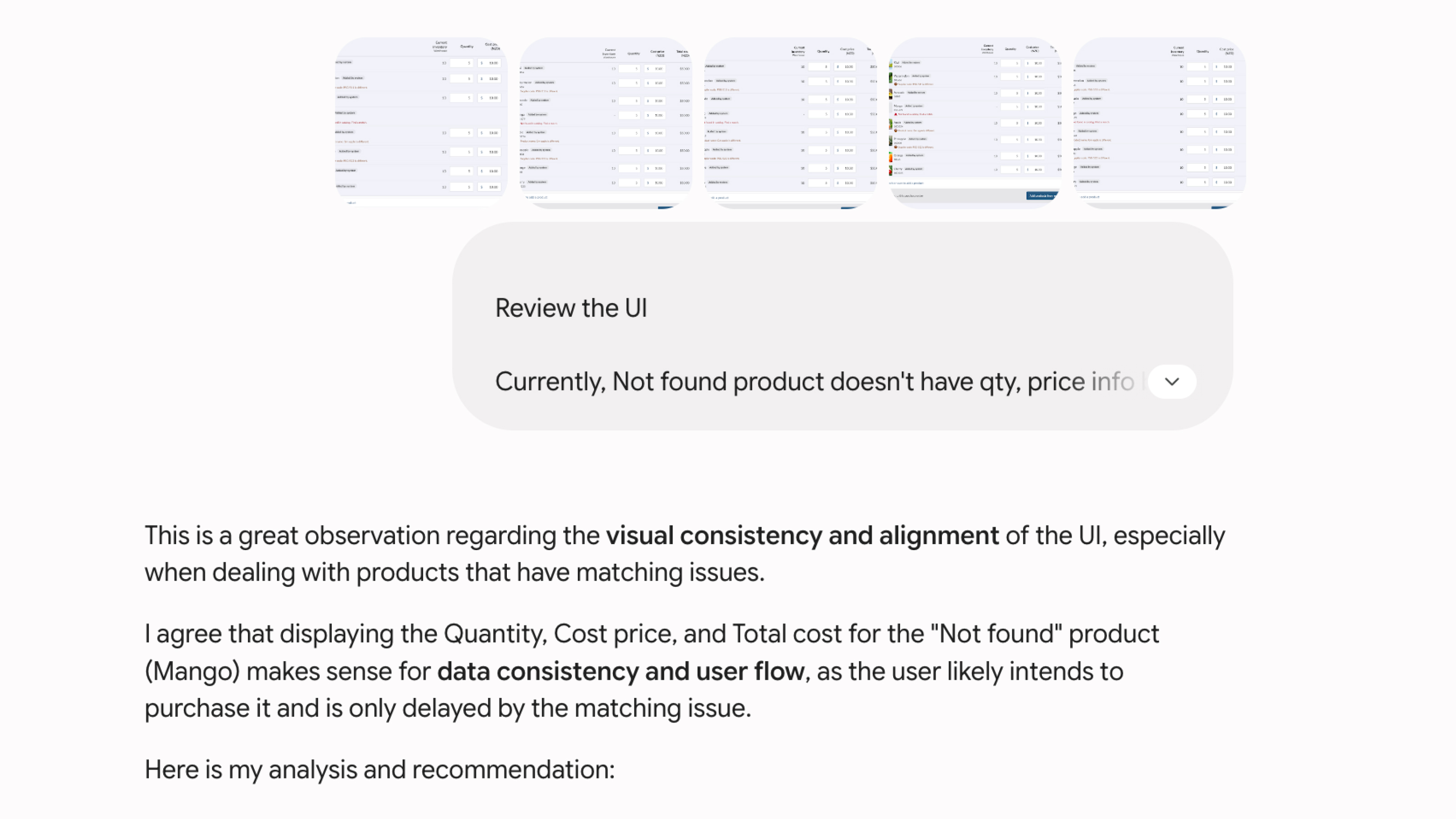
Design critique
Review my work
Find usability issues, edge cases, and missing states.
AI helps me understand problems faster, explore more ideas, and make better product decisions.
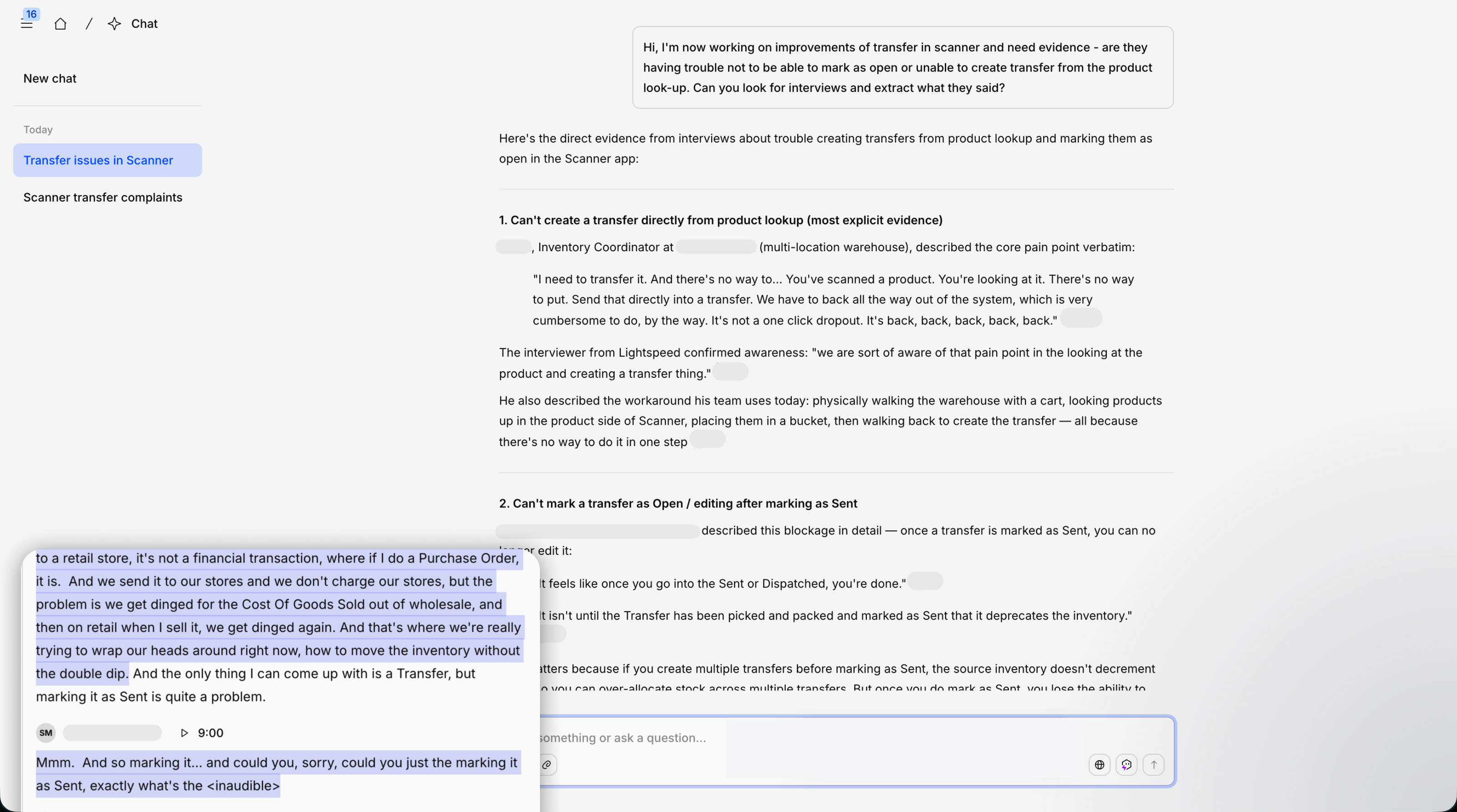
Instead of reviewing hundreds of interviews myself, I use AI to find the customers, quotes, and videos related to the problem I am exploring.
Find customers talking about the Transfer workflow, and show me the most useful quotes and video clips.
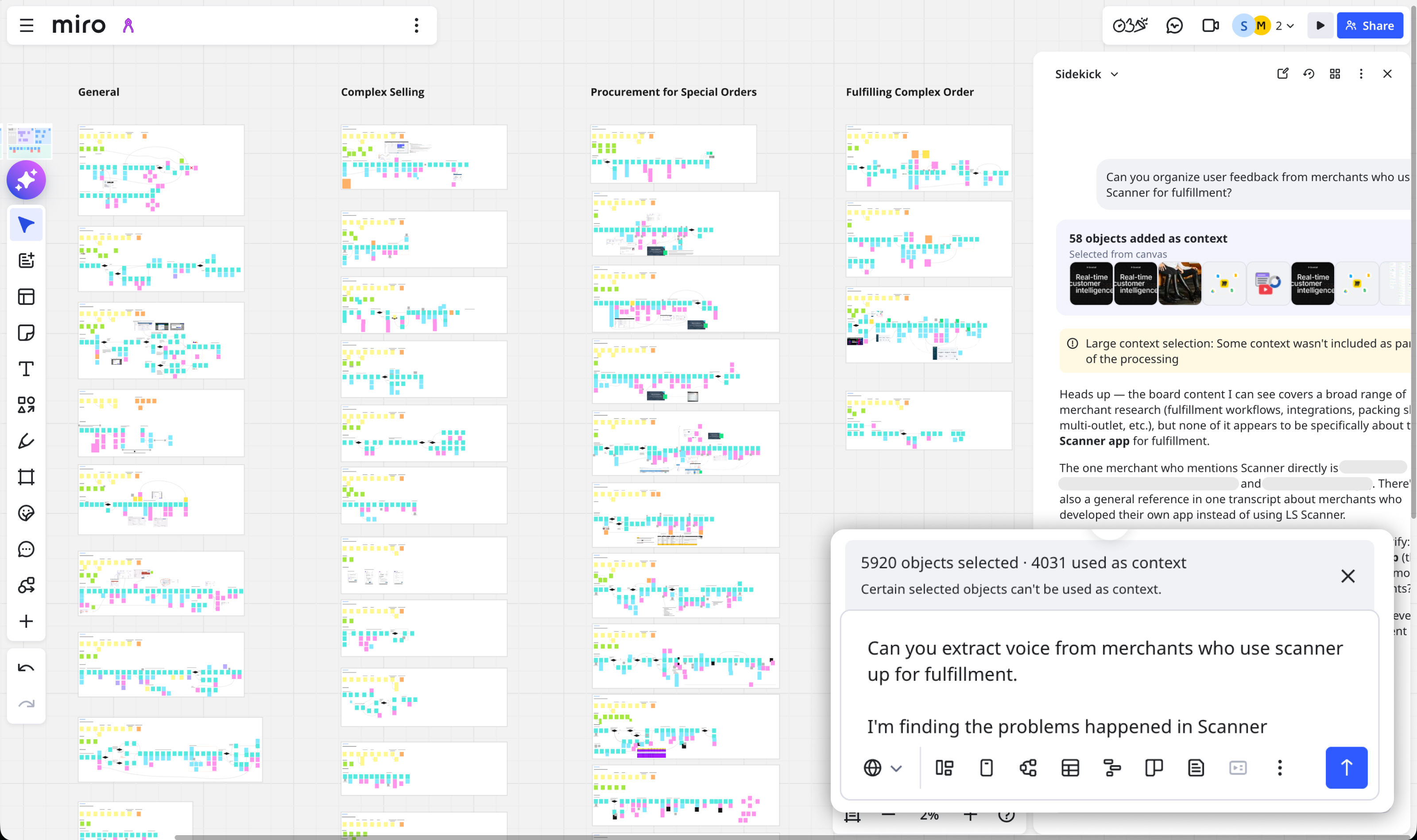
AI helps me revisit large research boards, group similar ideas, and find patterns across previous work.
Review this board, group related feedback, and pull out the evidence that matters to this problem.
AI organizes the information. I decide what matters.
I use AI for different jobs throughout the design process. It gives me another perspective—not an answer to copy.
Find usability issues, edge cases, and missing states.
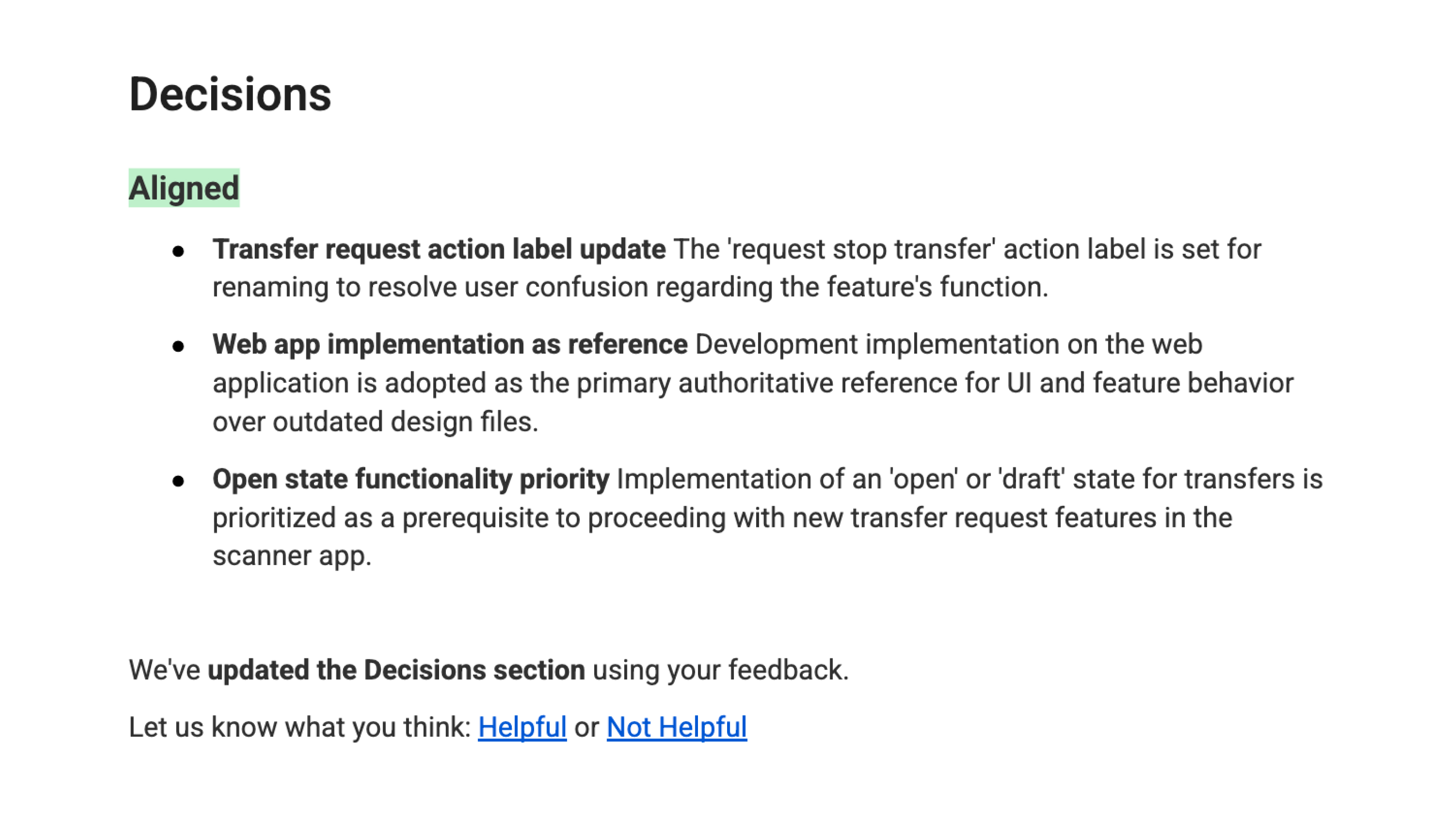
Summarize decisions, open questions, and next steps.
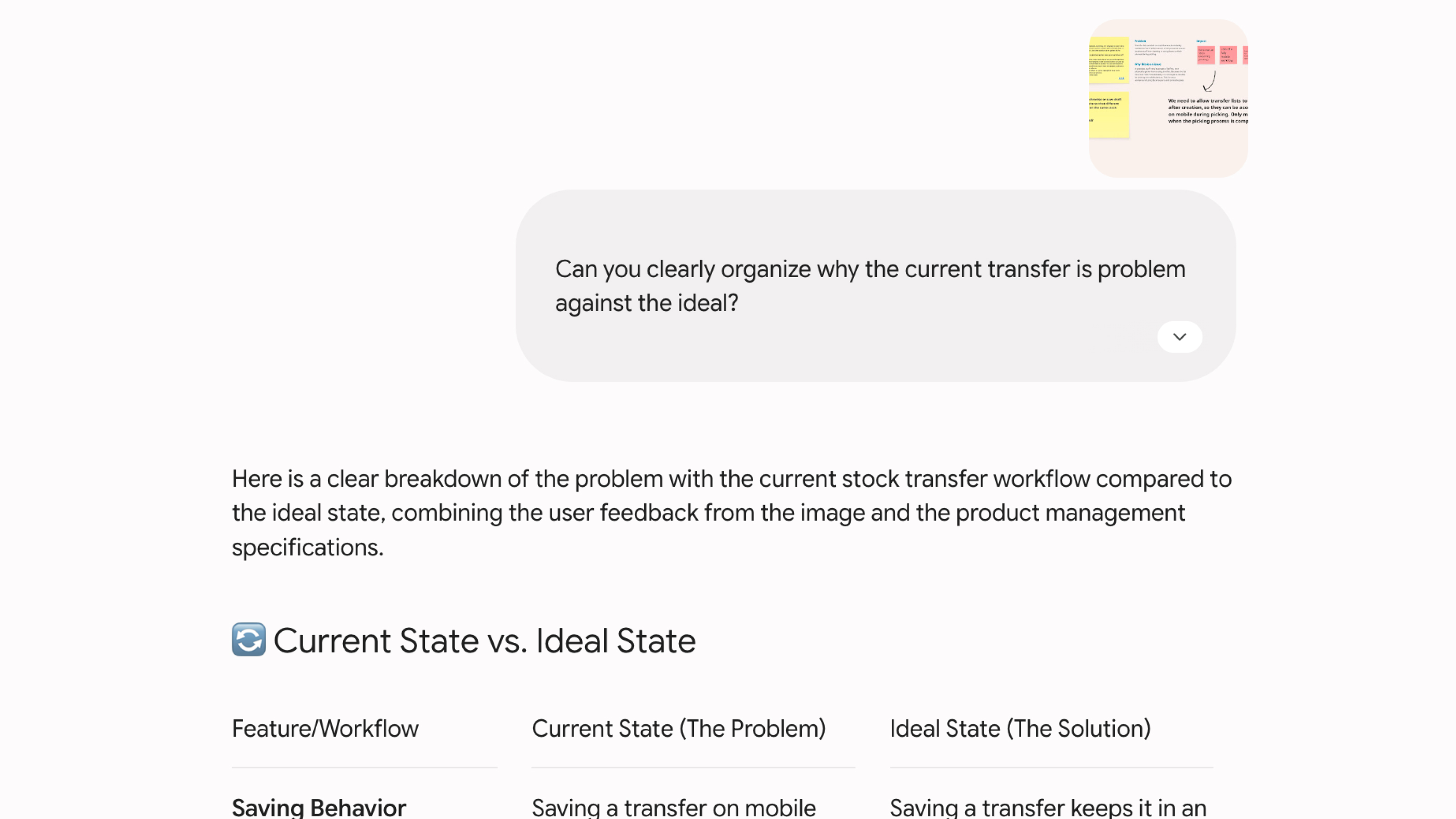
Turn workshop notes into clear themes and a new structure.
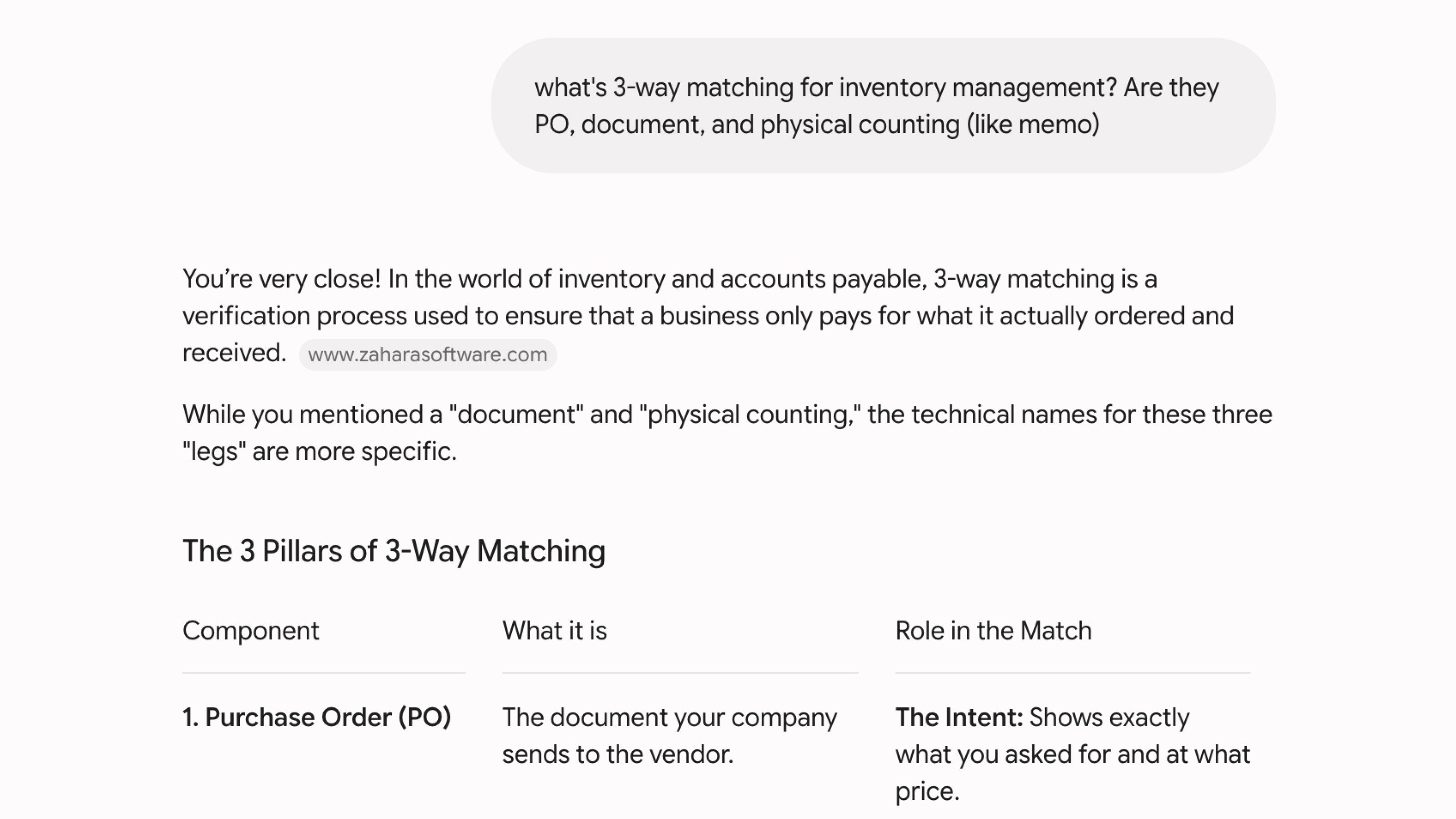
Learn unfamiliar concepts and explore different approaches before making design decisions.
I use Figma Make very early, before the idea is polished. A rough interactive prototype helps the team react to something real and move the discussion forward.
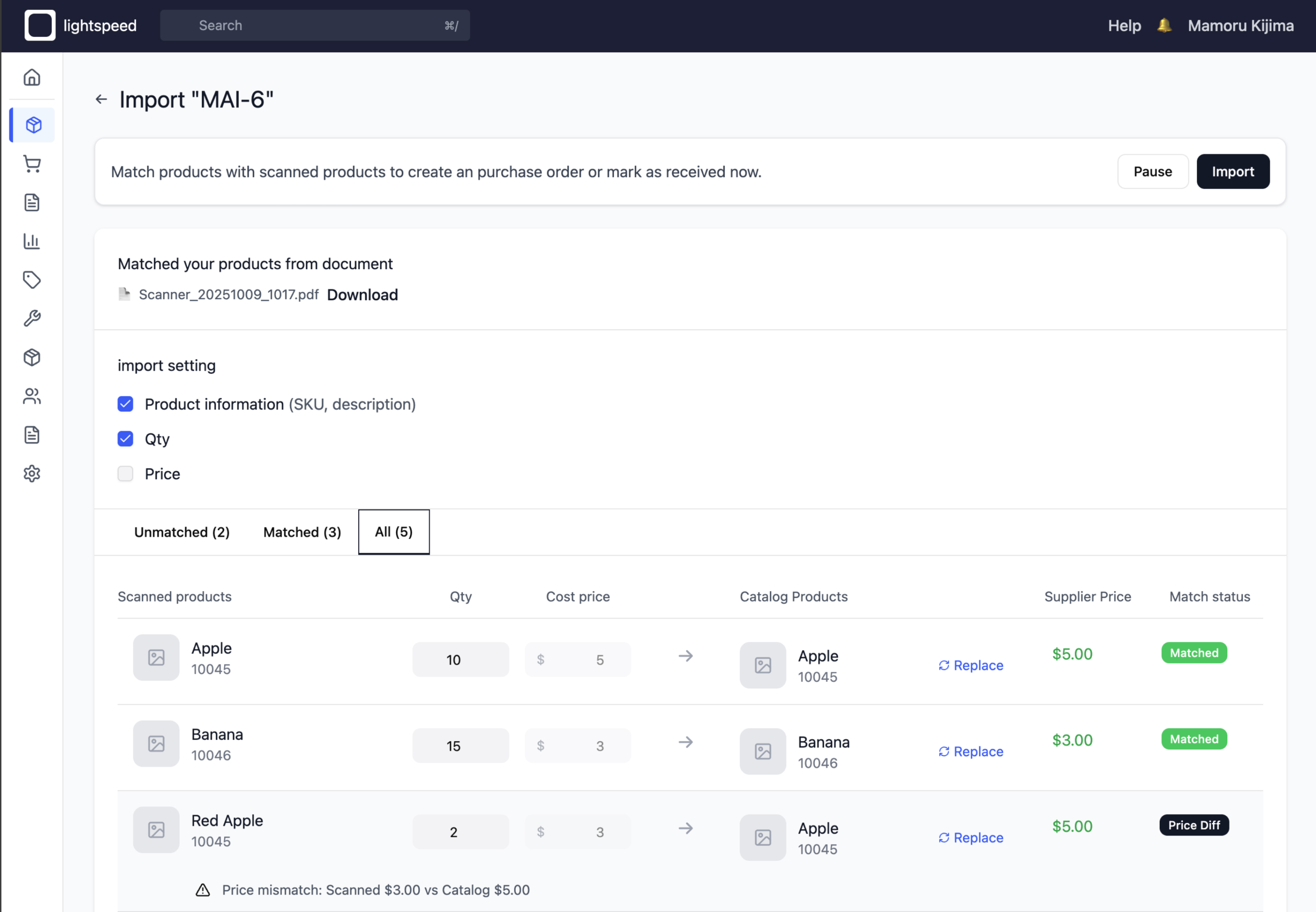
Describe the workflow, user goal, and the questions we want to explore.
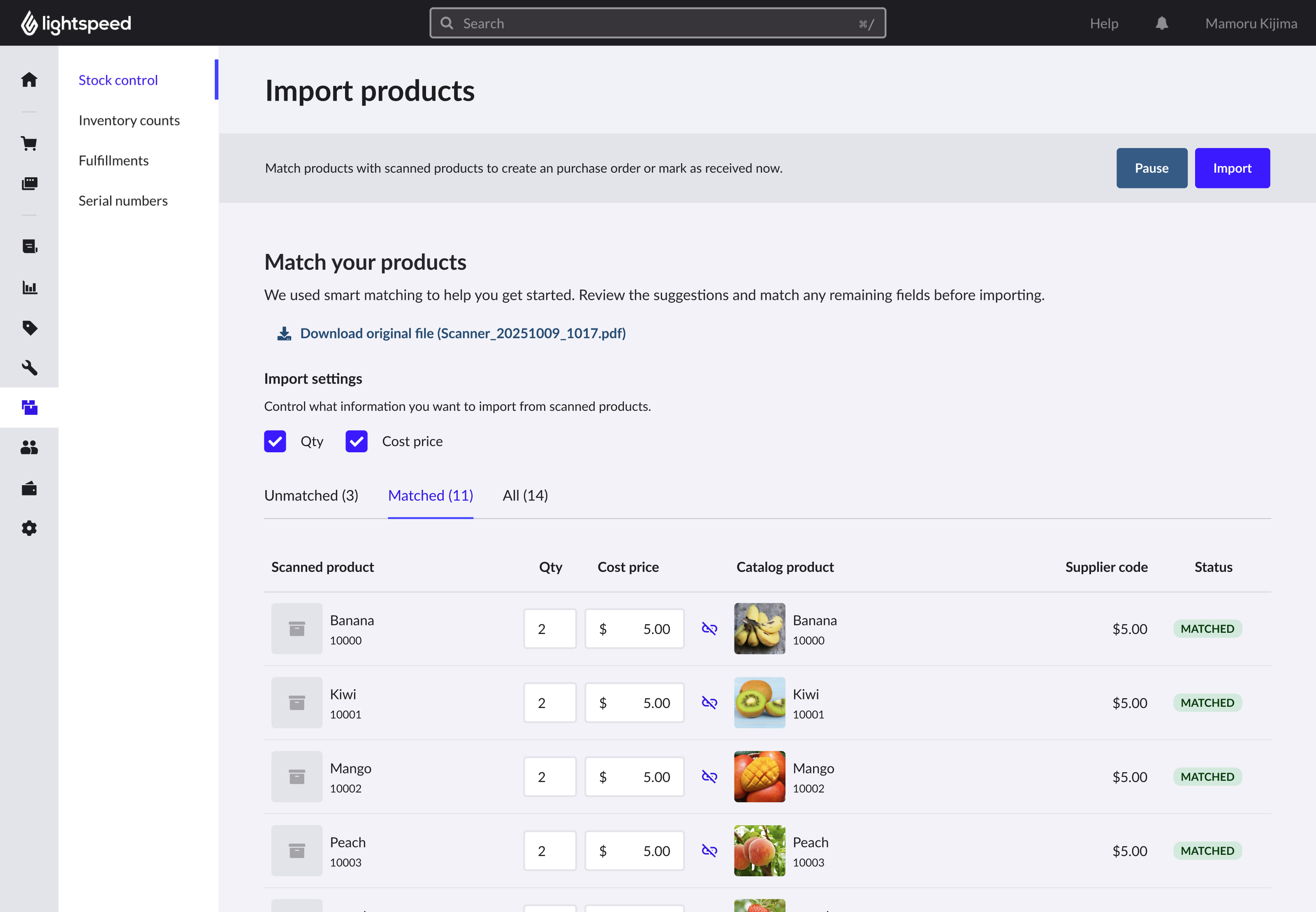
The concept evolved into the final experience through feedback and iteration.
AI helps me move from an idea to a working prototype much faster. I start with a prompt, refine the plan, develop through conversation, and build something I can actually test.
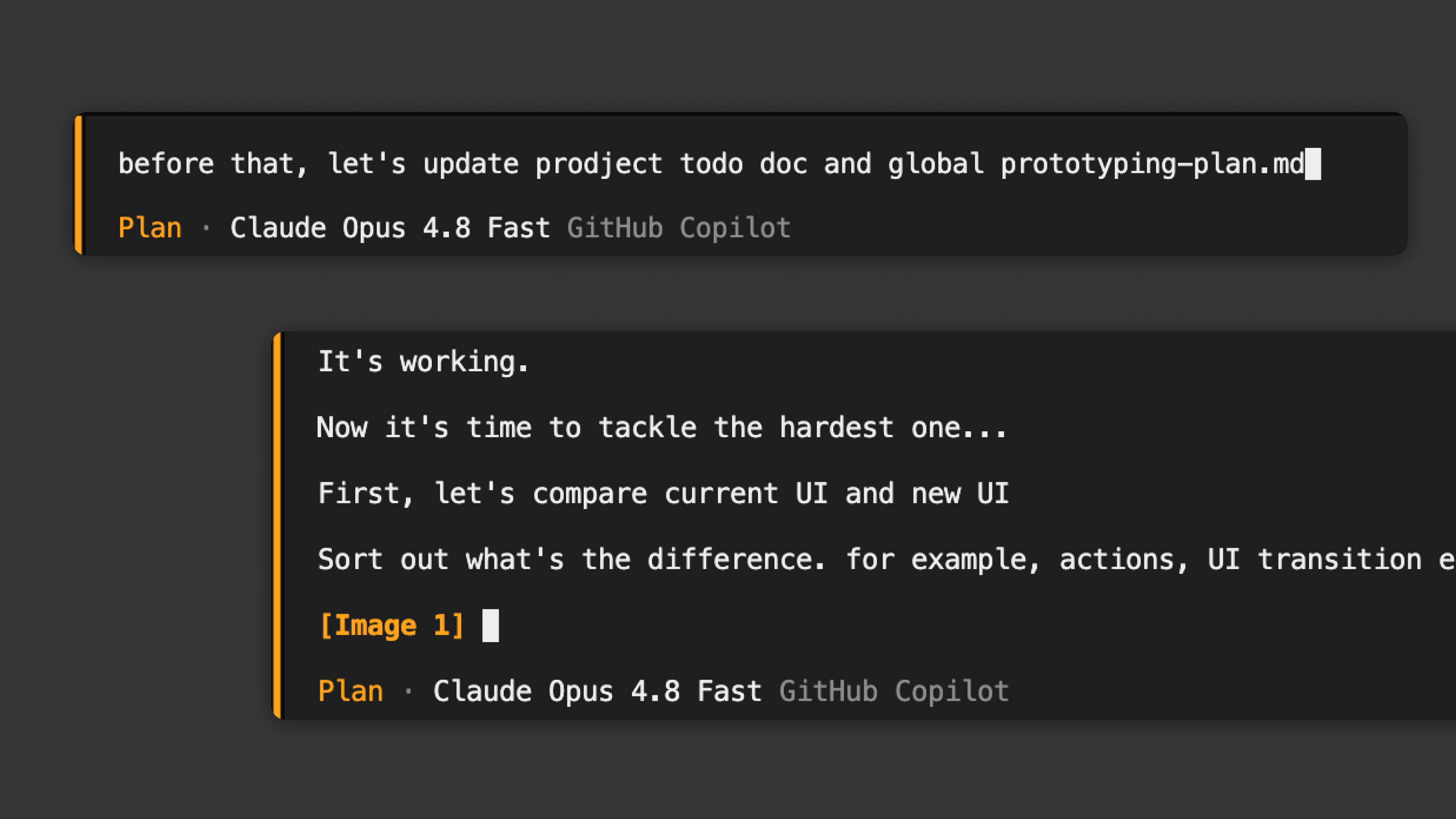
Share the goal, product context, design rules, and technical constraints.
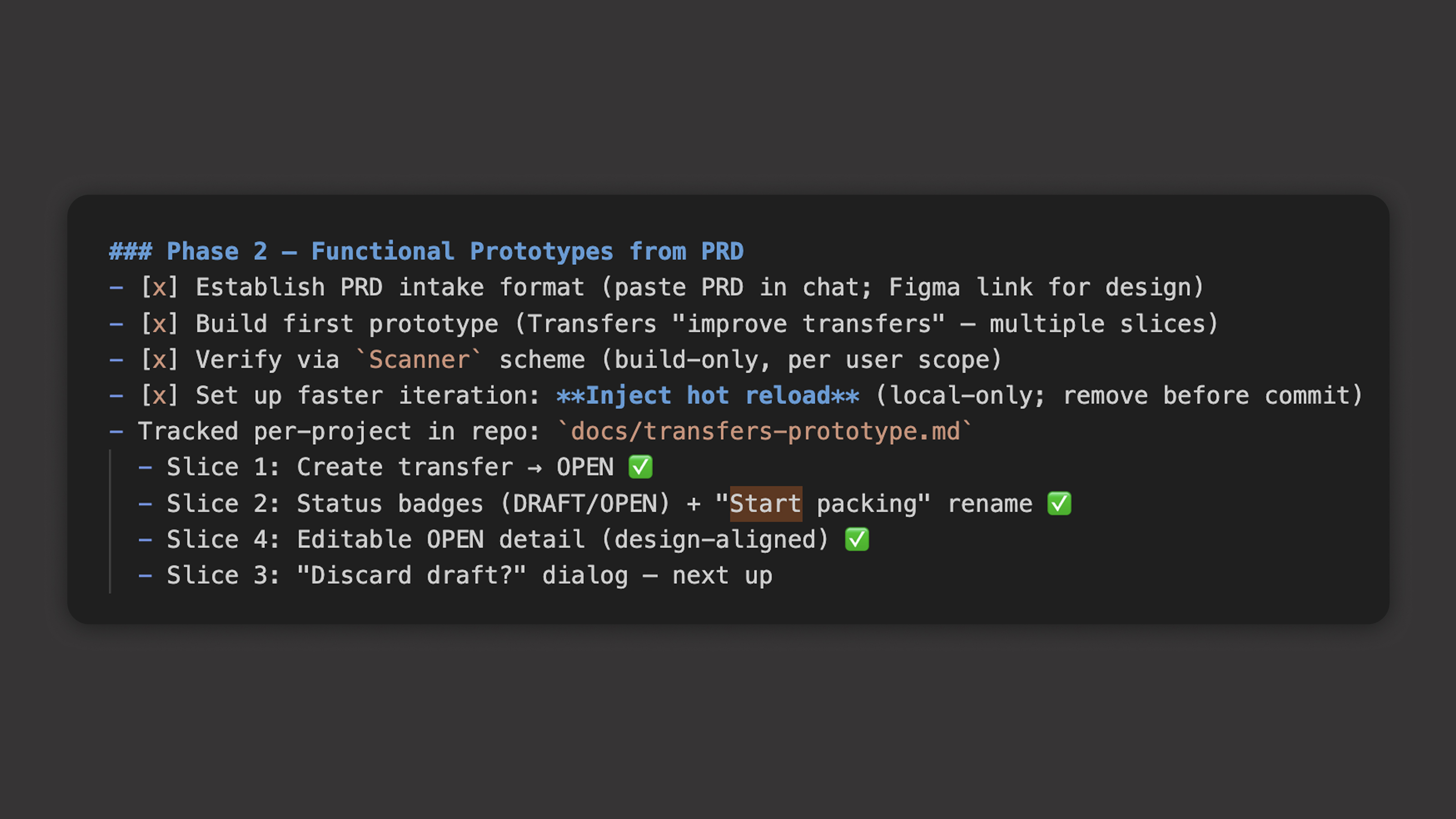
Review the approach and decide what to build first.
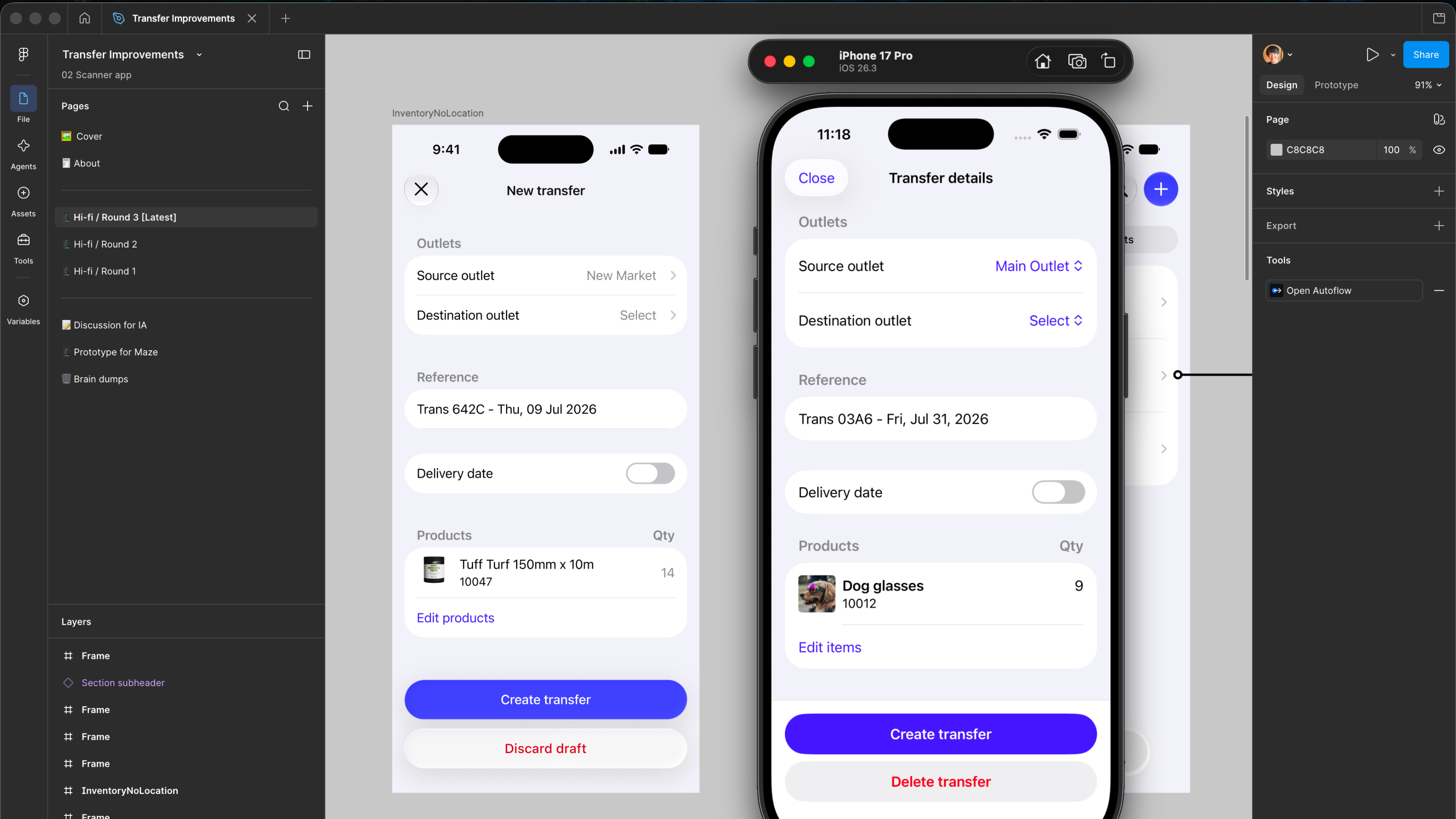
Guide the implementation, compare results, and adjust the direction.
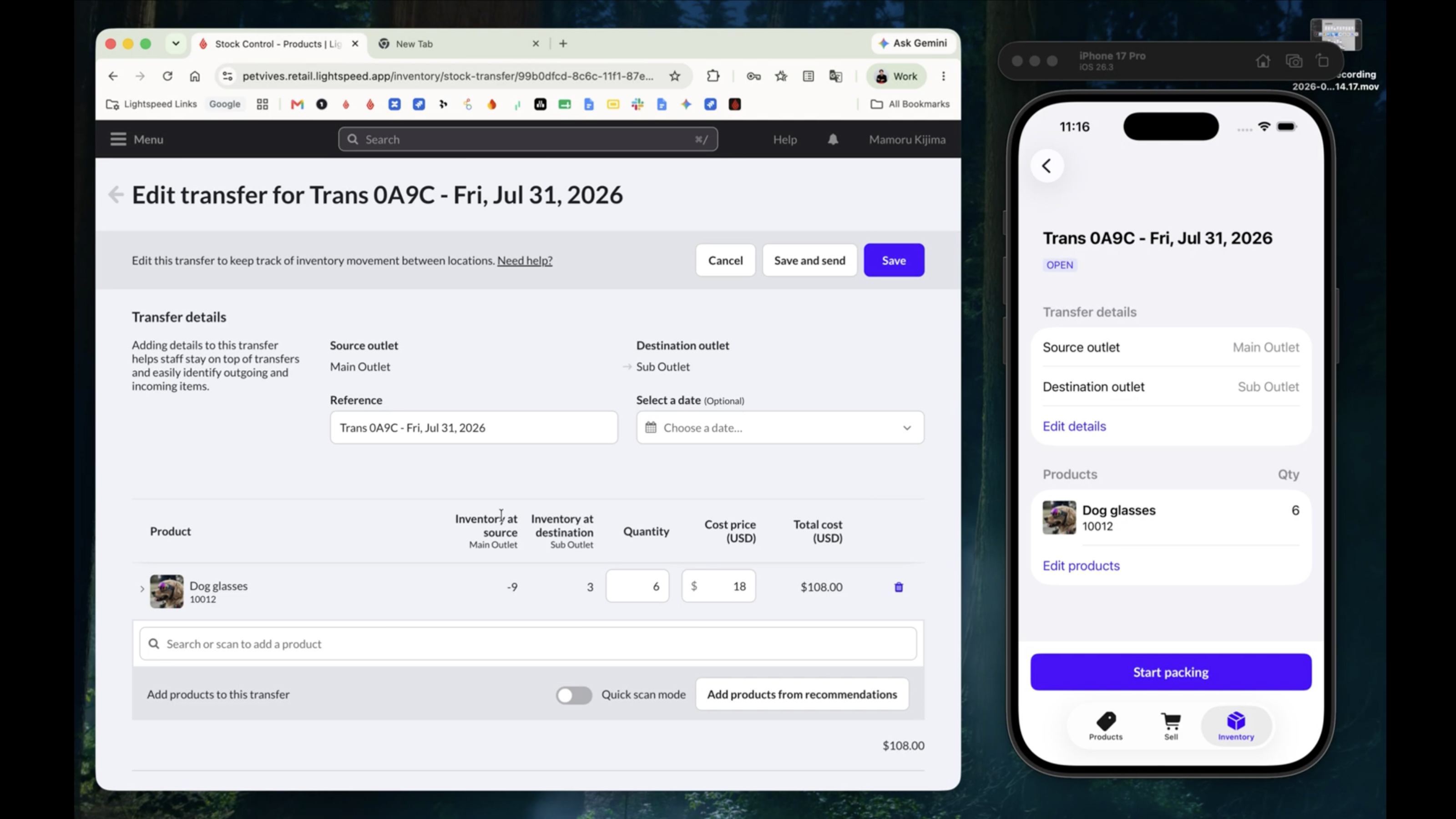
Run the prototype with the existing codebase and development data.
Before usability testing, I use AI to improve the study plan, refine questions, and find gaps in the script.
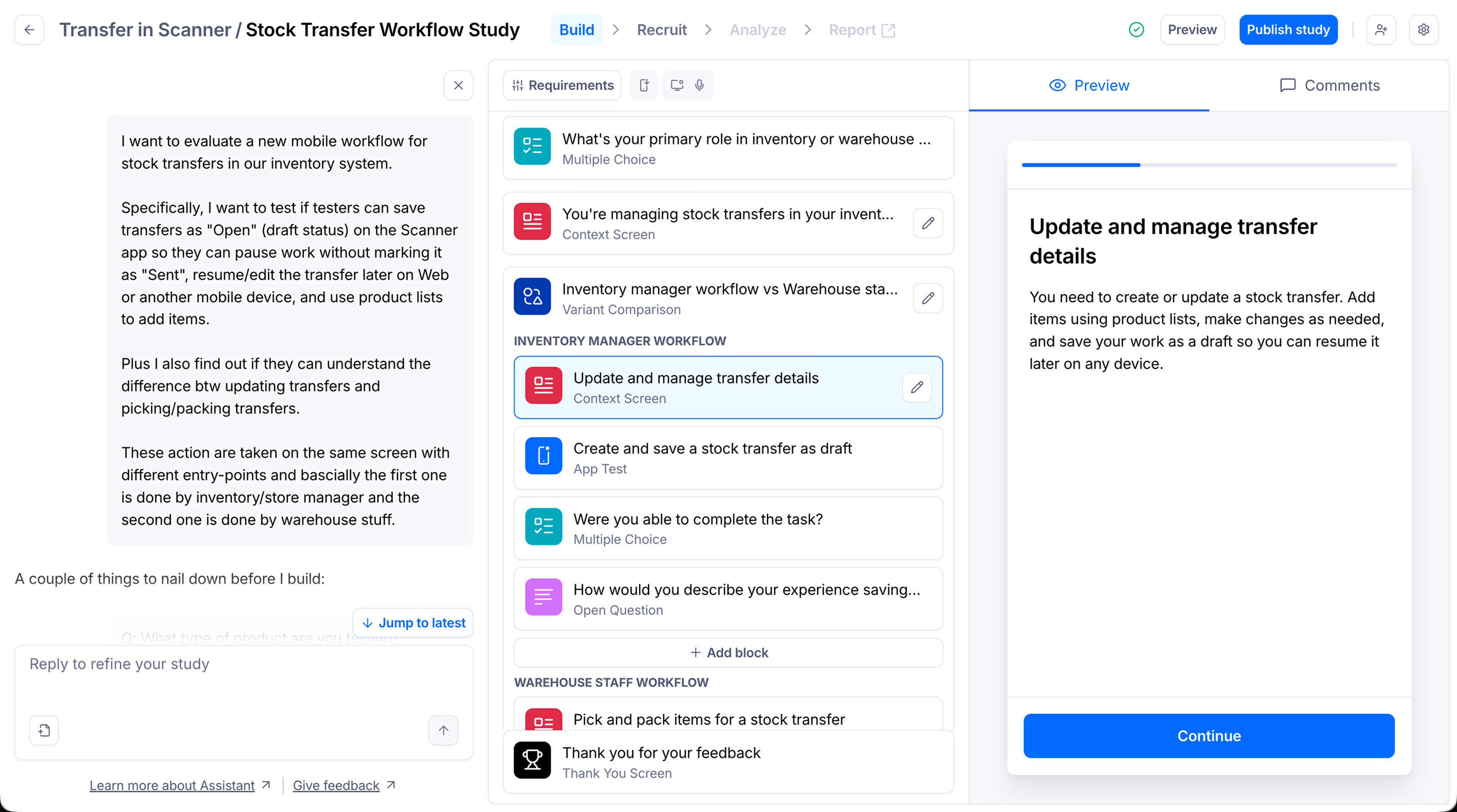
Check the goal, tasks, success criteria, possible bias, and whether the questions leave room for unexpected feedback.
AI helps me spend less time searching for answers—and more time solving the right problems.
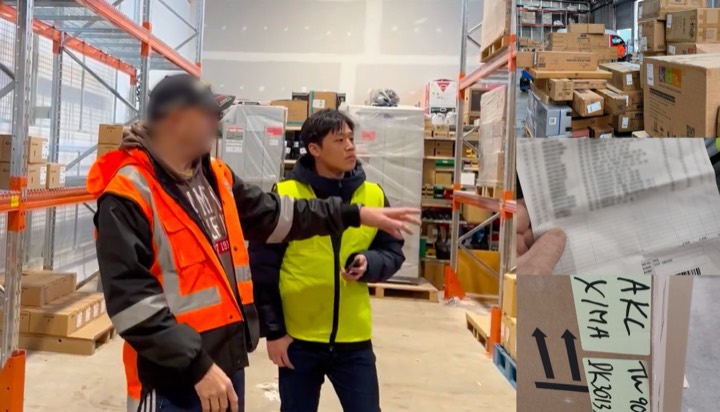
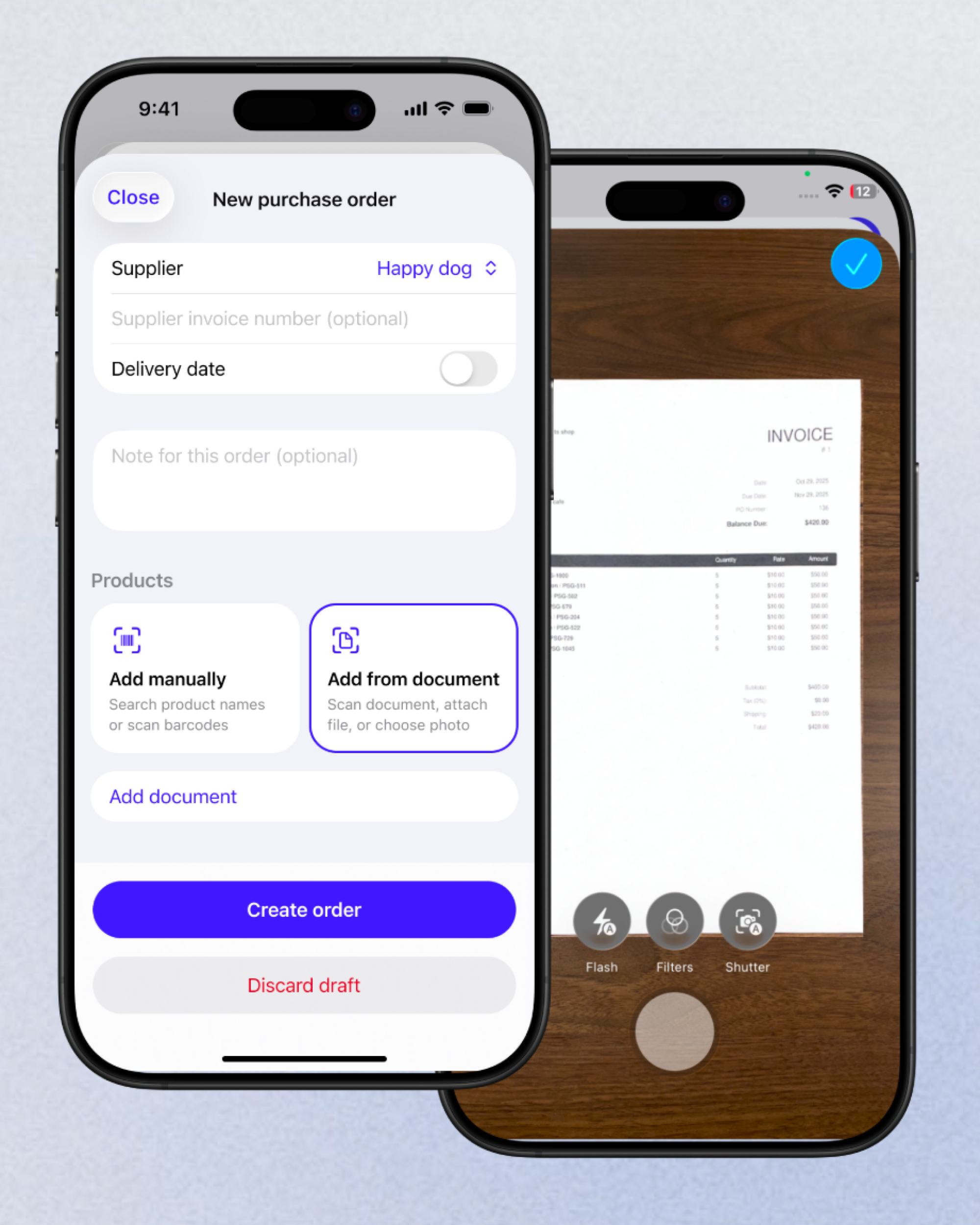
OCR wasn’t the real problem.
Understanding the workflow was.
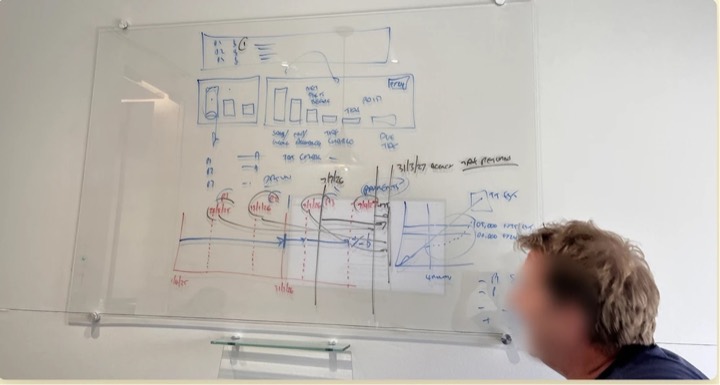
It could already do the work.
Nobody could read what it said.